The current Be a Soccer Legend update status is that Update 1 has been announced as available, and creator coverage ties the update to new working codes. The current record does not provide a complete patch log, so treat Update 1 as a confirmed version milestone rather than a documented list of every gameplay change. The Roblox listing snapshot was updated on November 8, 2026, but that date is a listing update signal, not proof of a separate release schedule.
Update 1 status and what is confirmed
Update 1 is the only numbered version milestone confirmed by the current record. A video announcement says that Update 1 has arrived and brought new working codes. The official Roblox game description also lists RELEASE as a promotional code in the current snapshot. Those facts establish the update-and-code connection, but they do not establish a fixed number of codes, a guaranteed reward, or a complete set of new features.
Watch the Update 1 announcement and new-code context
This moment supports the confirmed Update 1 status and its connection with new working codes described in this section.
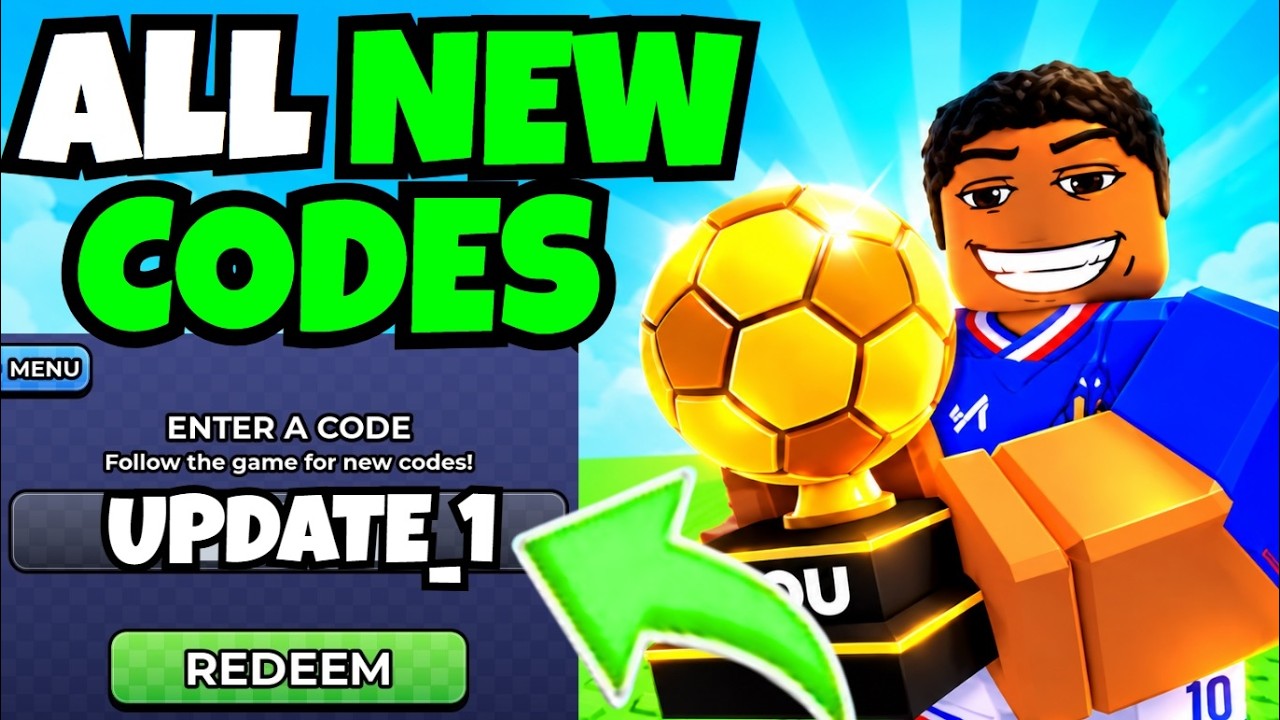
The safest way to read the status is:
- Confirmed: Update 1 is reported as arrived, and new codes are associated with the update.
- Confirmed:
RELEASEappears in the official Roblox game description snapshot. - Reported by community video:
Legendis shown as giving500 Coinsand5 Gems. - Not confirmed: a full Update 1 patch-note list, an exact launch time, an expiration date, or a scheduled next update.
Codes linked to the current update
Use the rows below as a quick decision guide. The source and reward strength differ, so do not treat the community-recorded reward as if it were an official patch-note promise.
| Update-related item | Current record | Player action |
|---|---|---|
| RELEASE | Listed by the official Roblox game description; reward not stated there | Try it in Menu > Codes while it is accepted |
| Legend | Community video records 500 Coins and 5 Gems | Enter it exactly and check the reward result |
| Future update codes | Possible with later updates; no complete list is confirmed | Recheck the current game and code panel after an update |
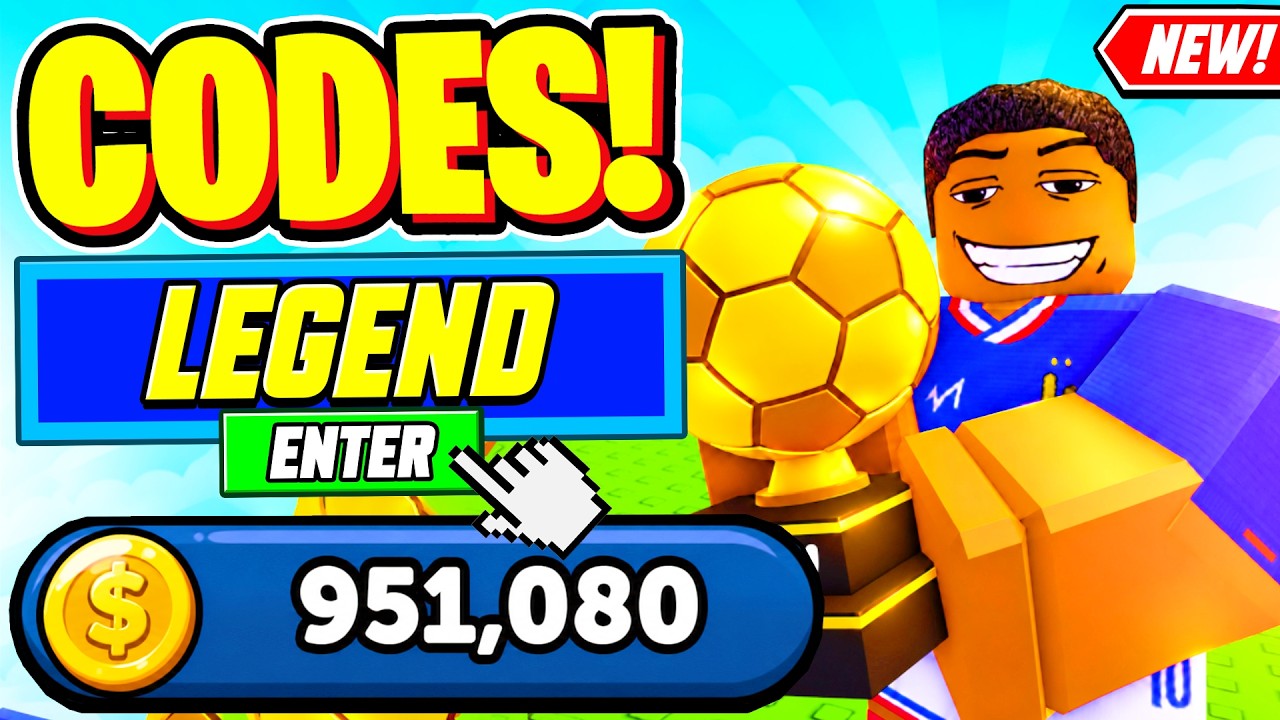
To redeem an update-related code, open Menu, select Codes, enter the code exactly as shown, and submit it. The current codes guide keeps the recorded entries and redemption checks together. If the game rejects it, first check spelling and capitalization, then consider whether it has already been redeemed or is no longer supported. The current record does not establish a universal error message or a guaranteed recovery method, so the in-game response is the deciding signal.
Open Menu and enter an update-related code
This moment supports the Menu > Codes redemption flow described here, including where players enter an update-related code.
What players should recheck after Update 1
After joining the current version, check the main interface before starting a match or training session. Open the code panel and test the codes you intend to use. Then return to normal play and verify whether the expected currency or item appears. This separates a code-entry problem from a broader update problem without assuming that Update 1 changed career systems.
Do not assume that a new version automatically changed Matches, Fans, Coins, Player Rating, training, or the shop. These systems are relevant to the game, but the current update record does not identify a specific Update 1 change to any of them. Continue using the current prompts and panels for those systems until a version-specific change is documented.
Reported observations versus confirmed patch details
Community videos provide useful observations about how the update feels in play, but they are not a substitute for an official changelog. One video demonstrates entering Legend and RELEASE, and another records the Legend reward as 500 Coins and 5 Gems. A separate video mentions that updates bring new codes. These reports support checking the code panel, not a promise that every player will receive the same reward or that every listed code remains active.
The phrase “A new town steps on the pitch” also appears in a video transcript. Its context does not establish whether it is an official update name, a map, a team, or narration. It is therefore not listed as a confirmed Update 1 feature. Likewise, a shop giveaway mentioned in video coverage is not treated as an update feature because the current record does not connect it clearly to the game’s version change.
Unknown details and the next reliable check
The current record does not confirm Update 1’s full feature list, release schedule, code expiration dates, new leagues or countries, or any effect on career progression. It also does not provide a complete version history. Avoid relying on a fixed countdown or assuming that a code will remain valid simply because it appears in an older video.
The next reliable check is the live Roblox game and its Menu > Codes panel after the game finishes updating. Compare what the current interface accepts with the official game description, and treat creator demonstrations as reports of what was observed at recording time. If a later official description or changelog identifies concrete gameplay changes, those details can be added separately from the still-unverified reports.
First-time Be a Soccer Legend update questions
Is Update 1 a full patch-note list?
No. The current record confirms Update 1 as an arrived version milestone and links it with new codes, but it does not document every gameplay change or provide a complete patch log.
Which Update 1 code has an officially listed reward?
No reward for RELEASE is stated in the official Roblox game description snapshot. A community video records Legend as giving 500 Coins and 5 Gems, so keep those two records separate.
What should I do if an update-related code does not work?
Enter it exactly in Menu > Codes, then check its spelling, whether you already redeemed it, and whether the current game still accepts it. The current record does not confirm a single error message or a guaranteed recovery path.